
AI Image Enhancement: The Top Tools Transforming Photo Quality with Artificial Intelligence
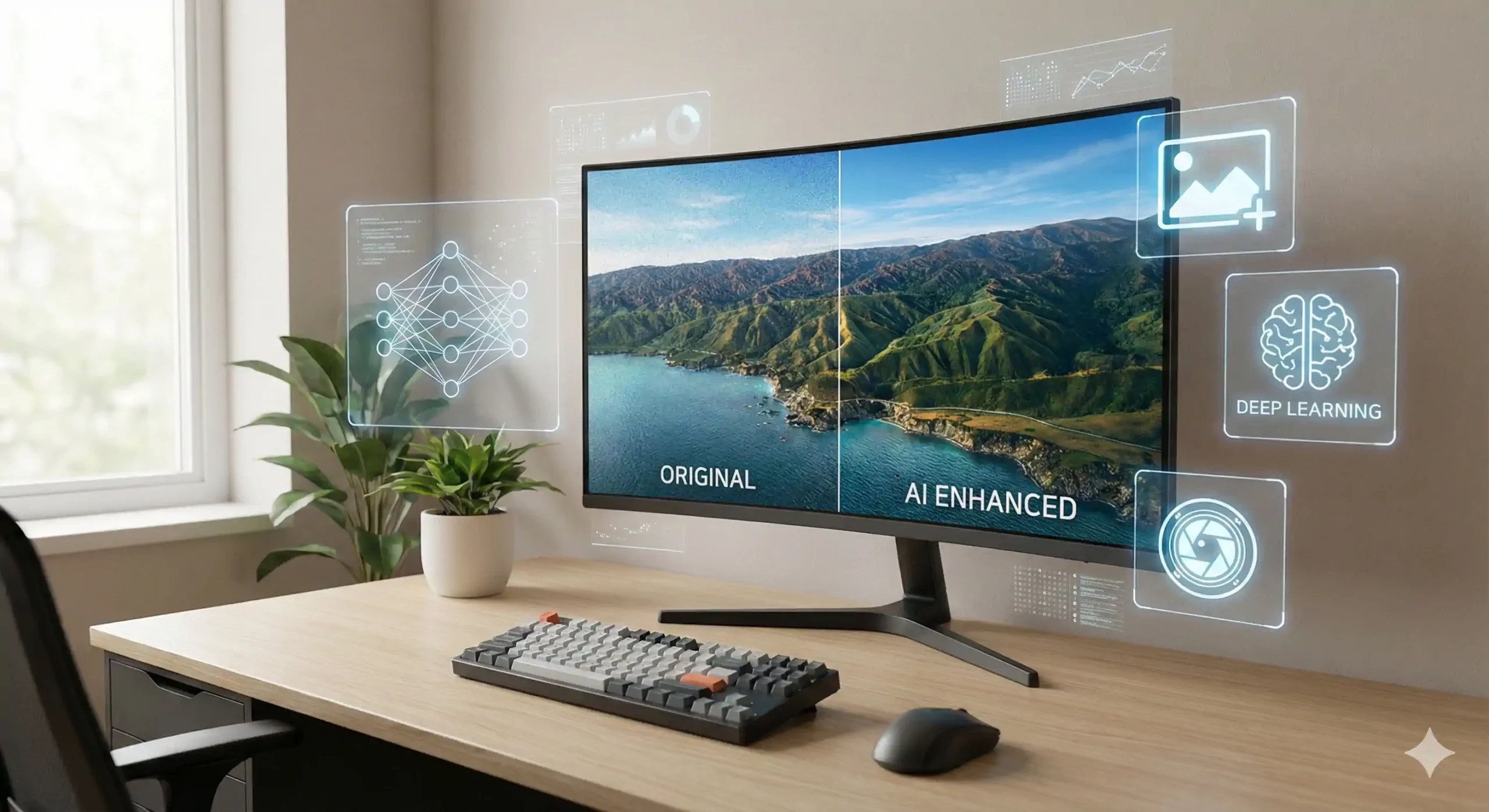
AI image enhancement has quickly become one of the most important technologies in digital content creation. Whether you run a website, manage an online store, create social media content, or work in design and photography, image quality now plays a direct role in user trust, engagement, and search engine visibility. Thanks to artificial intelligence, improving images no longer requires advanced editing skills or hours of manual work.
Today, AI-powered tools can sharpen blurry photos, upscale low-resolution images, restore old pictures, enhance colors, and remove noise automatically. This article explores how AI image enhancement works, why it matters, and the most powerful tools reshaping the way images are optimized for the modern web.
Why AI Image Enhancement Matters More Than Ever
Images are no longer decorative elements; they are critical performance assets. A single low-quality image can reduce credibility, increase bounce rates, and weaken conversion rates. AI image enhancement solves this problem by intelligently analyzing pixels and reconstructing missing details instead of applying basic filters.
Search engines also favor pages that provide strong visual experiences. Clear, optimized images improve user interaction metrics such as time on page and scrolling behavior, which indirectly supports SEO performance.
How AI Image Enhancement Works
Traditional photo editing relies on fixed algorithms. In contrast, AI image enhancement uses machine learning models trained on millions of images. These models learn patterns related to texture, lighting, edges, and depth.
When an image is processed, the AI predicts what high-quality details should look like and recreates them realistically. This allows tools to:
- Upscale images without visible pixelation
- Reduce noise while preserving sharpness
- Improve lighting and contrast naturally
- Restore damaged or old photos
The result is cleaner, sharper, and more professional visuals.
Who Needs AI Image Enhancement Tools?
AI-based image enhancement is useful across many industries:
- Website owners improving article images
- E-commerce stores upgrading product photos
- Content creators producing high-quality visuals faster
- Photographers restoring or upscaling images
- Marketers optimizing images for ads and landing pages
For anyone relying on visuals, AI image enhancement is no longer optional—it is a competitive advantage.
Top AI Image Enhancement Tools Leading the Market
Below are some of the most effective tools currently available, each offering unique strengths depending on your needs.
1. Topaz Photo AI
Topaz Photo AI is considered one of the most advanced solutions for professional-grade image enhancement. It specializes in noise reduction, sharpening, and resolution upscaling using deep learning.
Best for: Professional photographers and designers
Key strengths: Extremely realistic results, advanced controls
2. Remini
Remini gained popularity for its ability to dramatically enhance facial details in old or blurry photos. It is widely used for portraits and mobile photography.
Best for: Face enhancement and old photos
Key strengths: Powerful AI reconstruction, mobile-friendly
3. Let’s Enhance
Let’s Enhance is widely used in e-commerce and web design. It focuses on upscaling images while preserving natural textures and colors.
Best for: Product images and websites
Key strengths: Batch processing, commercial-friendly results
4. Upscayl
Upscayl is a free, open-source desktop tool that offers strong AI image enhancement without requiring an internet connection.
Best for: Free personal use
Key strengths: Offline processing, no subscriptions
5. VanceAI Image Enhancer
VanceAI provides a full ecosystem of AI tools, including image upscaling, denoising, sharpening, and color correction.
Best for: All-in-one image optimization
Key strengths: Multiple AI models, web-based platform
AI Image Enhancement vs Traditional Editing
Manual editing requires experience, time, and repeated adjustments. AI tools dramatically reduce this workload by automating complex corrections. With AI image enhancement, users can achieve in seconds what once took hours in traditional software.
Another major difference is consistency. AI models apply the same enhancement logic across images, making them ideal for large websites or product catalogs.
Common Mistakes When Using AI Image Enhancement
Despite its power, misuse can reduce image quality. Avoid:
- Over-sharpening images
- Upscaling beyond realistic limits
- Using portrait models on non-human images
- Skipping compression after enhancement
Proper balance ensures that AI image enhancement improves realism instead of creating artificial results.
The Future of AI Image Enhancement
As AI models continue to evolve, image enhancement will become even more precise and adaptive. Future tools will likely adjust images based on device type, screen resolution, and user behavior in real time.
What remains constant is the importance of visual quality. Those who integrate AI image enhancement into their workflow early will maintain a strong advantage in content quality, branding, and SEO performance.
AI Image Enhancement in Practice: Optimization Strategies, SEO Impact, and Smart Tool Selection
As AI image enhancement becomes a standard part of modern content workflows, the real advantage no longer comes from simply using these tools, but from knowing how and when to use them correctly. In this continuation, we dive deeper into practical strategies, SEO benefits, and smart decision-making that help you get maximum value from AI-powered image optimization.
This section builds naturally on the previous discussion and focuses on real-world application rather than theory.
When AI Image Enhancement Is the Best Solution
Not every image requires manual editing or a full redesign. In many cases, AI image enhancement is the fastest and most cost-effective solution, especially for:
- Old blog images with low resolution
- Product photos received from suppliers
- Images compressed years ago using outdated formats
- Social media visuals that need quick quality upgrades
- Archive photos that lack sharpness or detail
Instead of reshooting or redesigning, AI tools can intelligently reconstruct details and deliver usable results within seconds.
How AI Image Enhancement Impacts SEO Performance
Images play a larger role in SEO than many website owners realize. When implemented correctly, AI image enhancement directly and indirectly improves search visibility.
1. Improved User Experience
High-quality images increase readability, trust, and engagement. Visitors are more likely to stay longer, scroll further, and interact with content.
2. Better Page Performance
After enhancement, images can be exported in modern formats such as WebP or AVIF. This maintains visual quality while reducing file size, improving loading speed.
3. Image Search Visibility
Enhanced images with proper filenames and alt text are more likely to rank in Google Image Search, bringing additional organic traffic.
Search engines reward pages that balance clarity, speed, and usability—and enhanced visuals contribute to all three.
AI Image Enhancement vs Manual Editing: A Real Comparison
Traditional image editing tools rely on fixed sliders and filters. While powerful, they require experience and time. AI image enhancement, on the other hand, analyzes the content of the image itself.
Key differences include:
- AI rebuilds missing details instead of guessing
- Results are more consistent across large batches
- Minimal human input is required
- Faster processing for high-volume projects
For large websites or e-commerce stores, this consistency and speed make AI-based tools far more scalable than manual editing.
Choosing the Right AI Image Enhancement Tool
The best tool depends on your use case. Below is a practical selection guide:
For Websites and Blogs
Choose tools that focus on balance between quality and performance. Over-enhancement can increase file size unnecessarily.
Recommended focus:
- Moderate upscaling
- Light sharpening
- Natural color correction
For E-commerce
Product images must be clear, consistent, and realistic. AI image enhancement tools that support batch processing are ideal here.
Recommended focus:
- Texture preservation
- Uniform lighting
- Clean backgrounds
For Social Media
Visual impact matters more than technical perfection. Some AI tools offer stronger contrast and sharpness suitable for feeds.
Recommended focus:
- Eye-catching clarity
- Fast processing
- Mobile-friendly formats
For readers who prefer Arabic content, this guide on افضل ادوات تحسين الصور provides a detailed breakdown of AI-powered image tools and how they are used in real-world applications.
Common Mistakes to Avoid
Despite its power, AI image enhancement can produce poor results if misused. Common mistakes include:
- Upscaling images beyond realistic limits
- Applying face enhancement models to objects
- Over-sharpening, causing unnatural edges
- Ignoring compression after enhancement
The goal is realism and clarity, not artificial perfection.
Workflow Tip: A Smart Enhancement Process
To integrate AI image enhancement efficiently into your workflow, follow this proven sequence:
- Enhance the image using the AI tool
- Review results at 100% zoom
- Export in a modern format (WebP or AVIF)
- Compress the image without visible quality loss
- Add descriptive filename and alt text
This process ensures both visual quality and technical optimization.
Paid vs Free AI Image Enhancement Tools
Free tools are excellent for testing and light use, but they often come with limitations such as:
- Lower output resolution
- Watermarks
- Usage caps
Paid AI image enhancement tools are better suited for businesses, offering higher quality, batch processing, and commercial usage rights.
Long-Term Value for Content and Branding
Consistently using AI image enhancement across your site creates a unified visual identity. Over time, this improves brand perception and content credibility.
Many site owners notice performance improvements after updating old images—sometimes without changing a single word of text. Visual upgrades alone can significantly refresh aging content.
Final Insight
AI image enhancement is no longer a luxury feature. It is a foundational tool for anyone serious about digital content, performance, and SEO. The true advantage lies in using AI strategically, not excessively.
Those who understand how to balance enhancement, compression, and optimization will always stay ahead of competitors relying on outdated visuals.
AI Image Enhancement Mastery: Advanced Comparisons, Best Settings, and Future Trends
Reaching professional results with AI image enhancement is not only about choosing a popular tool, but about understanding deeper differences between technologies, applying the right settings for each image type, and preparing for how this field will evolve. In this final continuation, we complete the article by focusing on expert-level insights that help you stay ahead in quality, performance, and long-term value.
This section naturally completes the topic without separating it from the previous parts, forming a single comprehensive guide.
Advanced Comparison: What Really Differentiates AI Tools?
At a deeper level, AI image enhancement tools differ in three critical areas:
1. AI Training Data
Some tools are trained on professional photography datasets, while others rely on general consumer images. Tools trained on high-quality datasets usually deliver:
- Better texture reconstruction
- More realistic lighting
- Fewer artificial artifacts
This is why professional-grade tools often outperform simpler online platforms, even if both claim similar features.
2. Model Specialization
Advanced AI image enhancement tools offer multiple models optimized for:
- Faces and portraits
- Landscapes and nature
- Products and objects
- Illustrations and digital art
Using the wrong model is one of the main reasons users get unnatural results. Matching the model to the image type makes a significant difference.
3. Processing Control
Some tools allow fine control over sharpness, noise reduction, and detail recovery, while others rely on one-click automation. Automation is fast, but control is essential when quality matters.
Best AI Image Enhancement Settings by Image Type
Using correct settings is often more important than the tool itself. Below are proven best practices.
Blog and Article Images
For editorial content, clarity and natural appearance are the priority.
Recommended approach:
- Light upscaling (1.5x–2x)
- Minimal sharpening
- Balanced contrast
- Avoid aggressive noise removal
This ensures images look clean without distracting the reader.
Product Images
In e-commerce, AI image enhancement directly impacts conversion rates.
Recommended approach:
- Moderate upscaling
- Strong edge clarity
- Color consistency
- Background neutrality
Well-enhanced product images increase trust and reduce hesitation during purchasing decisions.
Portraits and Faces
Faces are the most sensitive image type. Overprocessing can instantly destroy realism.
Recommended approach:
- Dedicated face enhancement model
- Very low sharpening
- Preserve skin texture
- Avoid excessive smoothing
Natural results always outperform overly “perfect” faces.
Old or Damaged Photos
Restoration-focused AI image enhancement tools shine here.
Recommended approach:
- Gradual upscaling
- Noise reduction before sharpening
- Color correction as a final step
Patience is key when restoring historical or sentimental images.
Performance Optimization After Enhancement
One common misconception is that AI-enhanced images must be heavy. In reality, performance optimization comes after enhancement.
Best workflow:
- Apply AI image enhancement
- Export at the exact required dimensions
- Convert to WebP or AVIF
- Apply smart compression
- Verify quality at 100% zoom
This process preserves clarity while keeping file sizes minimal.
Measuring Real Impact on Your Website
To evaluate the success of AI image enhancement, track these metrics:
- Average time on page
- Bounce rate
- Image search impressions
- Page loading speed
- Conversion rate (for products)
Many site owners discover that updating images alone improves performance without changing content structure or keywords.
AI Image Enhancement and Brand Consistency
Consistency is often overlooked. When images across your site vary in sharpness, lighting, and color tone, the brand feels fragmented.
By standardizing AI image enhancement settings across your workflow:
- Your site looks more professional
- Content feels cohesive
- Visual trust increases
This consistency strengthens branding just as much as logos or typography.
Future Trends in AI Image Enhancement
The future of AI image enhancement is moving beyond static improvements into adaptive intelligence. Expected developments include:
- Context-aware enhancement based on device type
- Real-time optimization for different screen resolutions
- AI models that adjust enhancement based on user behavior
- Integration with CMS platforms for automatic image optimization
Soon, images may be enhanced dynamically depending on how and where they are viewed.
Final Takeaway
AI image enhancement is no longer a simple editing shortcut—it is a strategic asset. When used correctly, it improves visual quality, user experience, SEO performance, and brand perception all at once.
The real advantage comes from:
- Choosing the right tool
- Applying appropriate settings
- Balancing enhancement with performance
- Maintaining visual consistency
Those who master this balance will always stand out in a digital space where image quality defines credibility.